
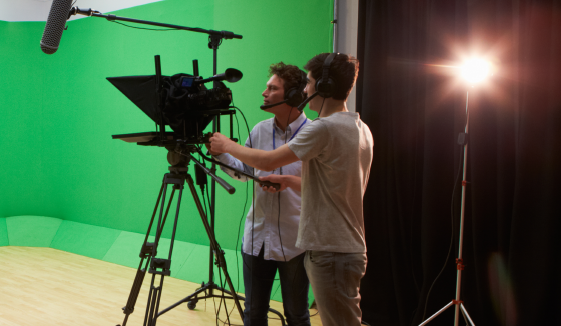
A green screen is just a flat surface without “chroma keying,” the process that replaces the green in the video with a new background. Although chroma key is most often done in post-production, it can also be done during a live broadcast. The HS-3200 HD switcher in your workflow has an internal chroma key function. The goal of this chapter and production activity 11 is to have a news reporter do a segment in a virtual studio so that it looks like you are in a professional sound stage with elaborate sets. It’s going to make your morning announcement look like a professional news show that is similar to CNN or ESPN. Learning how to use chroma key technology in your video production will allow students to become Innovative Designers where they can create innovative artifacts to produce creative and imaginative end products of virtual production.
Chroma key is a production tool most well-known in motion picture production. The most common process uses a green screen. The camera records an image with a subject in front of a green background, and then, the video switcher or editing software replaces the green in the video with another background, which could be an image, photo, or another video. This can be seen daily on your local news during the weather segment. The meteorologist talks about today’s forecast in front of a map. In the studio, there is not a giant TV screen – they are standing in front of a green screen. It would be expensive to have a 10-foot by 10-foot TV screen. A green screen is much cheaper.
In our production workflow with Datavideo, we will use a Green Screen. Any green on the image will be keyed out, including clothing, and any reflections of green from the material onto the reporter will disappear. The last thing audience members need to see is