
課程類別
課程簡介
Simplified AI-Powered Video Production Station
The Datavideo HS-1400 is a highly portable, all-in-one video production studio designed for single-operator efficiency. Featuring an integrated 17.3-inch Full HD monitor, it combines video switching, smart audio mixing, multi-platform streaming, recording, and camera control into a single workstation. Equipped with AI auto-tracking, seamless NDI workflows, and direct UVC conferencing support, the HS-1400 streamlines live production for education, corporate events, podcasts, and live broadcasts.
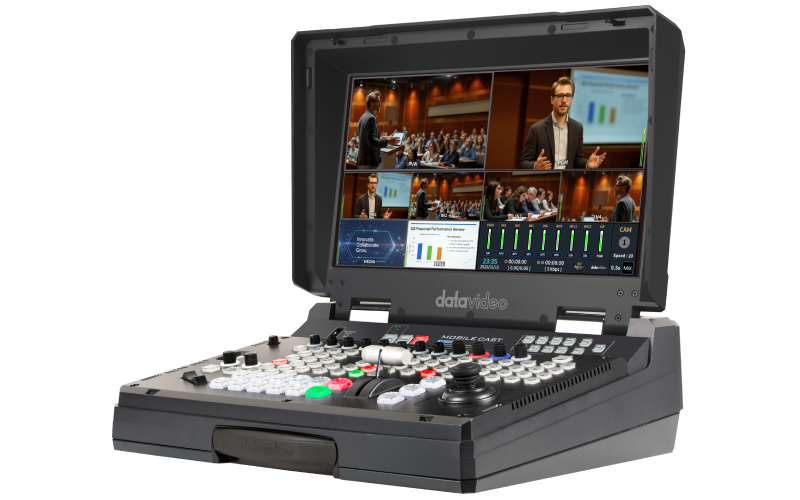
Completely Customizable 5 Input Full HD Production Switcher
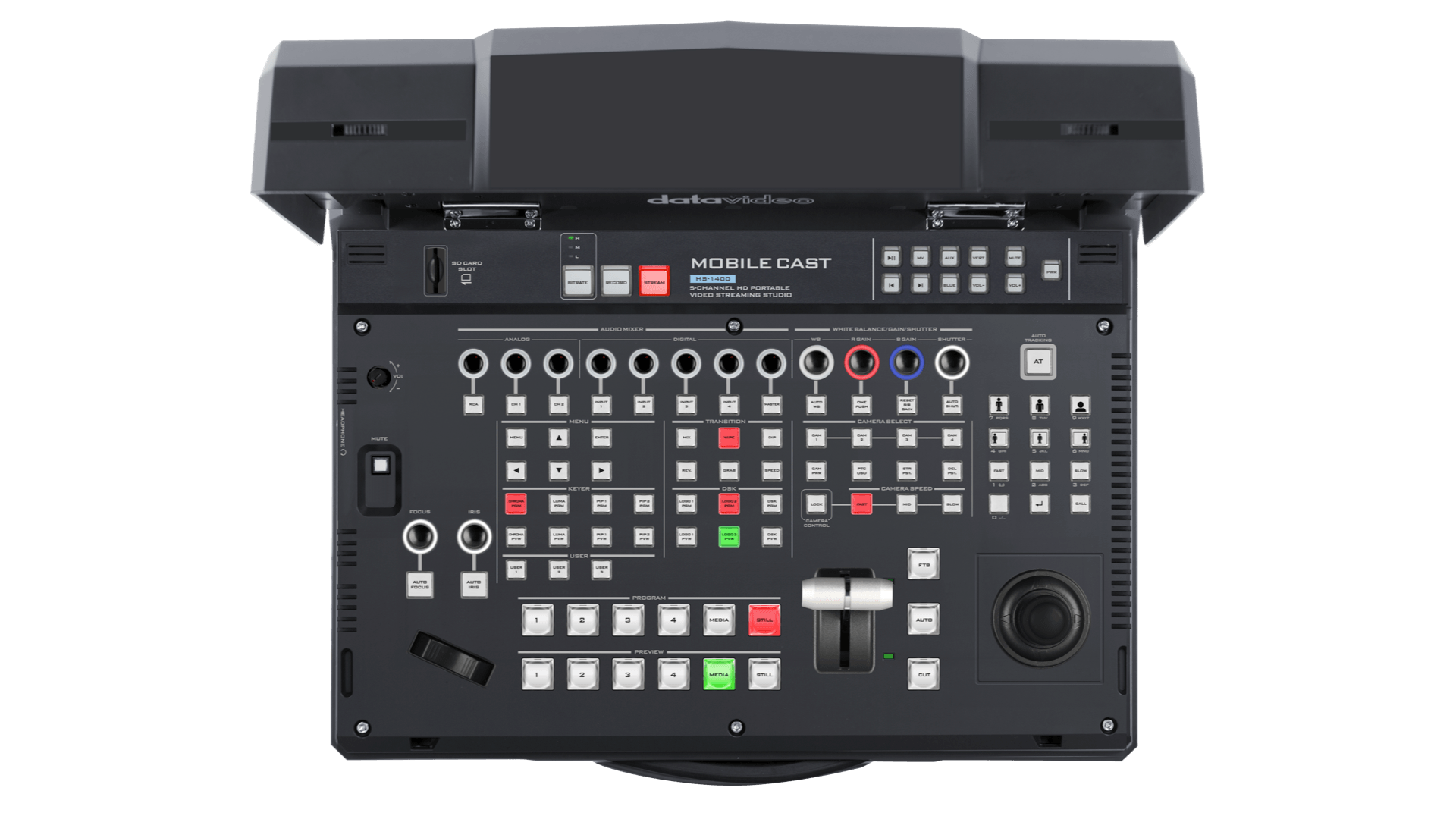
The HS-1400 is equipped with 5 inputs (4 x HMDI/ 3G-SDI selectable, 1x NDI) and 5 outputs (3x HDMI, 1x SDI, 1x USB Type-C) to help you produce a professional live event.
Stream to Facebook Live, YouTube, Twitch and More
The built-in H.264 web streaming encoder allows you to stream your show to Facebook, YouTube or Twitch in no time.
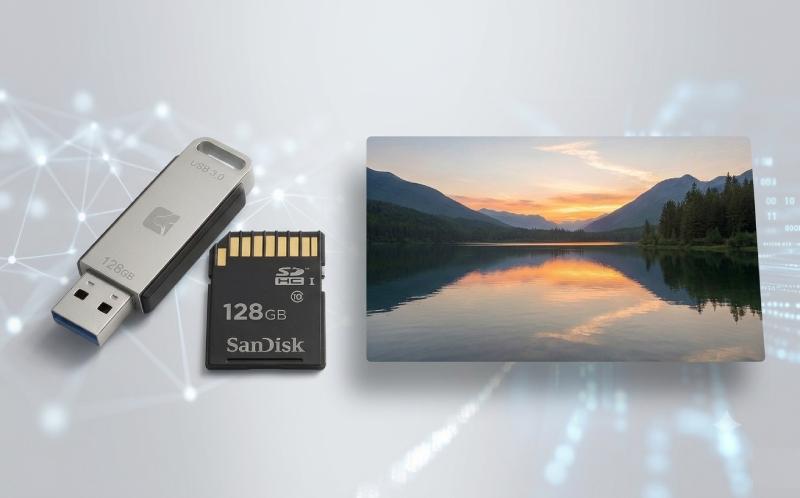
Built-in H.264 Recorder for SD Cards
The HS-1400 comes with a built-in web-ready recorder. Simply insert your SD card, and you'll have video files that can be immediately uploaded to the video network of your choice or to your website.
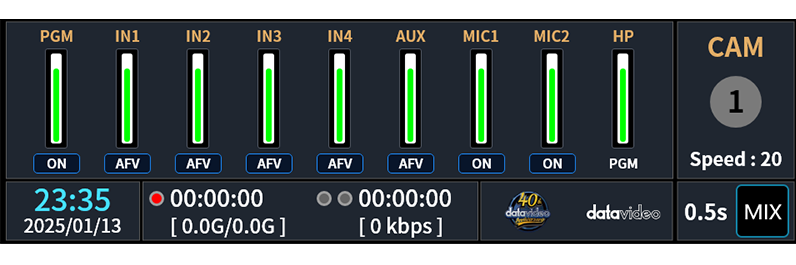
Status Control Center
Keep every critical production status in one place. Monitor audio levels, camera control, recording, streaming, system status, logos, and transition effects at a glance, allowing operators to react instantly and maintain a smooth, uninterrupted production.
NDI One-Cable IP
Supports NDI|HX3 and multiple streaming protocols. A single network enables video transmission, signal integration, and multi-location display for efficient IP production.
Integrated Media Player
Supports direct playback of videos, logos, and still images from local storage, SD card, or USB drive, allowing quick setup of opening titles, subtitles, and media playback without external.
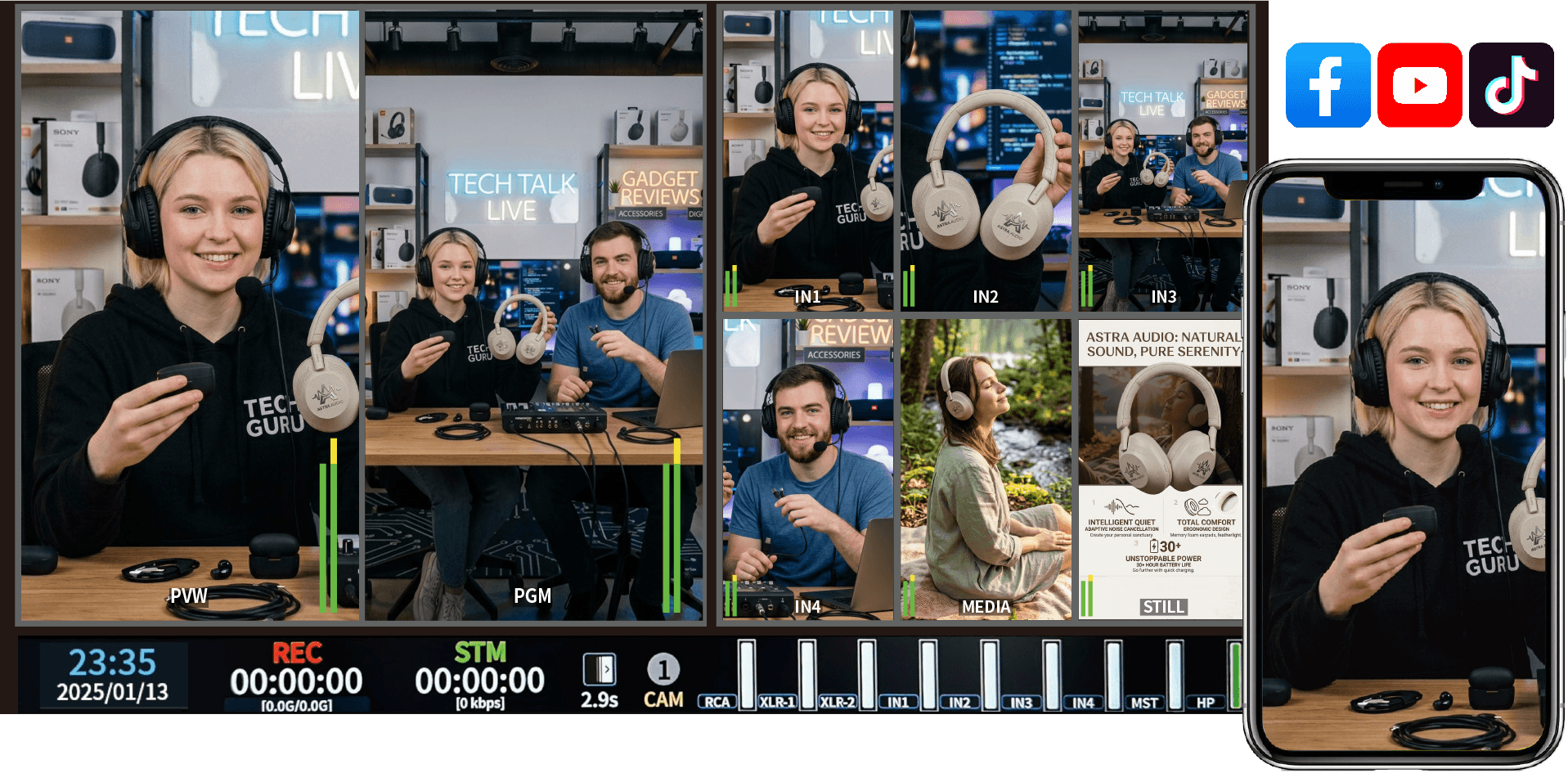
All-in-One Multiview Monitoring
Monitor everything on a single screen — four live video inputs, NDI sources, media files, still images, and logos, alongside camera selection, audio mixing levels, and recording and streaming status. The HS-1400 also supports vertical layout mode, making it the perfect companion for portrait-format mobile live streaming.
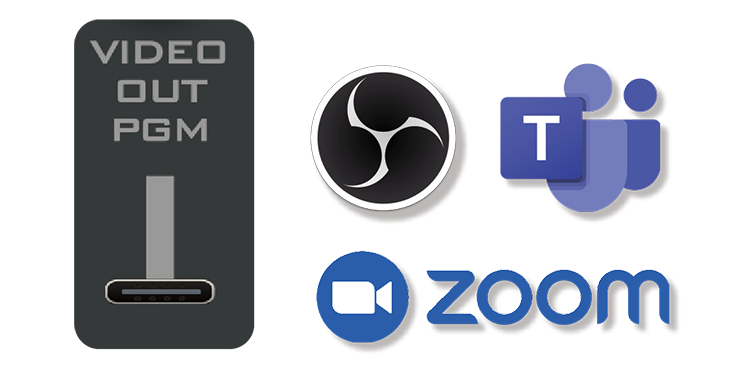
UVC for Streaming & Conferencing
Choose from a variety of pre-saved animated stinger transitions and 50 virtual set backgrounds to create advanced effects.
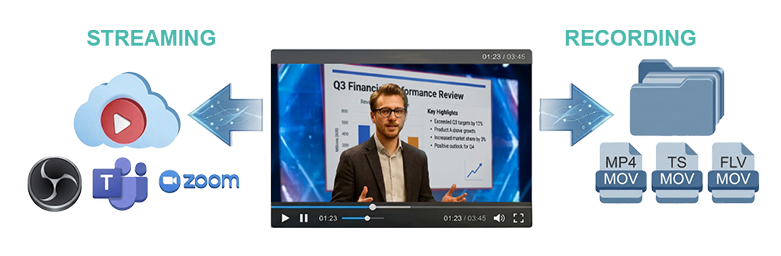
Streaming and Recording Simultaneously
All 2600 series switchers have built-in support for Datavideo CG software. This unique feature converts a regular HDMI output of a PC or laptop into a fully-fledged CG interface for use with Datavideo’s CG suites. Free CG-200 software included.
For more product info, please go to: htthttps://datavideo.com/global/product/HS-1400
學生會在這門課學到什麽
學生需要的背景知識、技能與工具
誰適合這門課程
通過標準
- 課程完成度 100%